RBAC & SSO
Browser access to OpenSearch Dashboards and the Subscription Editor is secured through an ALB with Cognito authentication and an Nginx reverse proxy. Higher tiers add role-based access control and single sign-on.
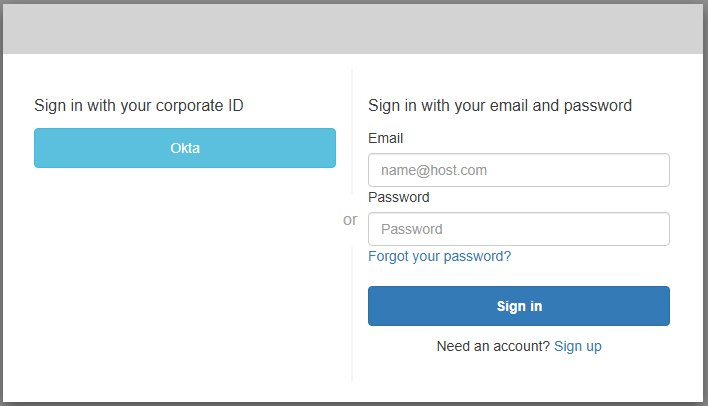
Secure access
Access runs through an ALB + Cognito + Nginx reverse proxy, and the stack runs in isolated subnets with VPC endpoints — no internet egress. Access to Dashboards is further restricted by the DashboardsAllowedCidr parameter set at deployment.
Role-based access control (Advanced and Enterprise)
RBAC is available on the Advanced and Enterprise tiers. When enabled, editor access is controlled by Cognito group membership. After a user's first login, assign groups with the groups helper script.
Single sign-on (Enterprise)
The Enterprise tier supports company SSO via SAML and OIDC federation with Okta, Azure AD, Google, or any standards-compliant identity provider. MFA is the default for Dashboards on the Enterprise tier.
To enable SSO, add your SAML or OIDC identity provider to the Cognito User Pool using the sso helper script. Users then see a "Sign in with [Provider]" button on the login page. After first login, assign groups with the groups script for role-based access. See the helper-scripts README for details.